# flutter_svga
A **Flutter package** for parsing and rendering **SVGA animations** efficiently.
SVGA is a lightweight and powerful animation format used for **dynamic UI effects** in mobile applications.
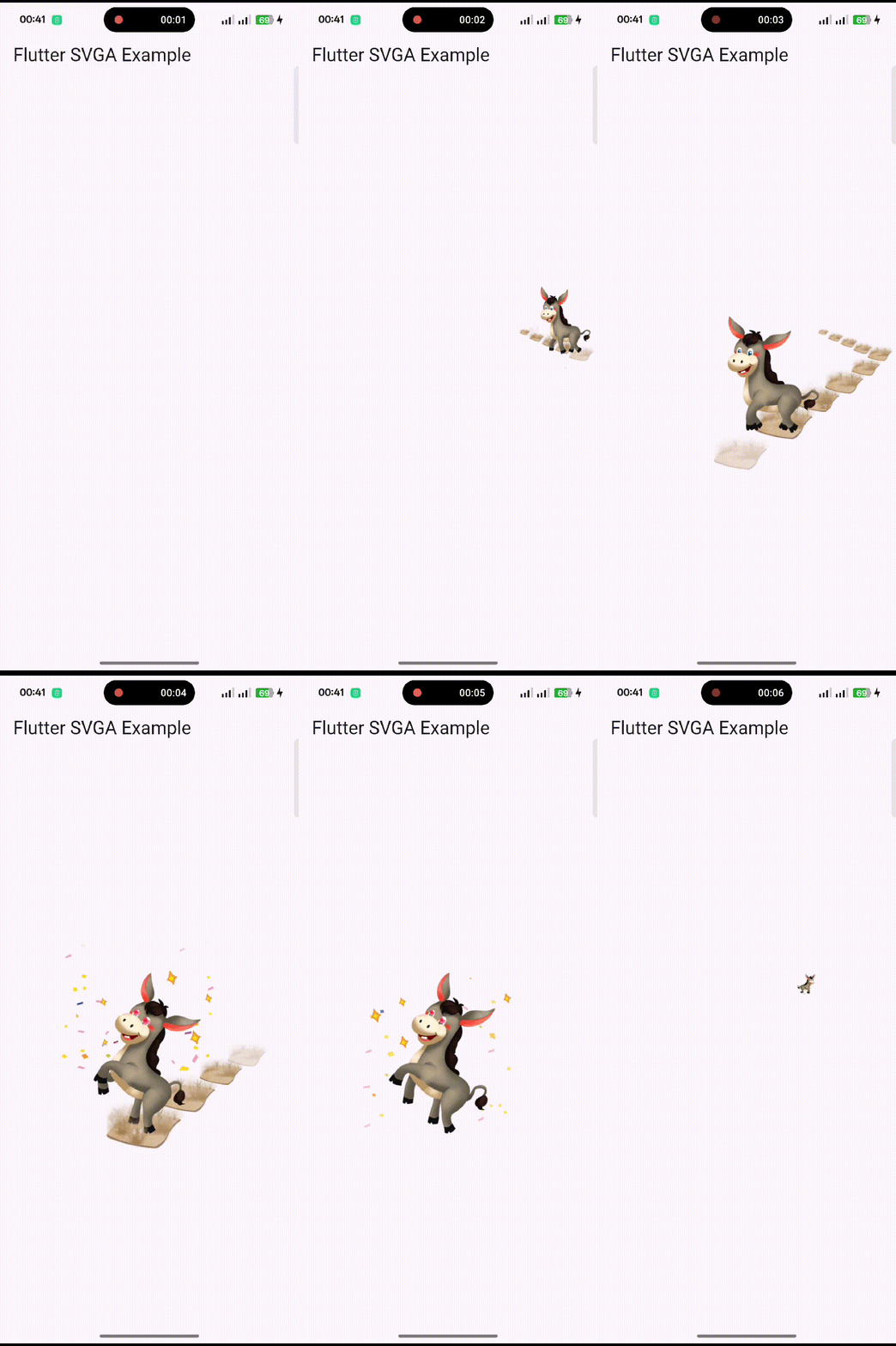
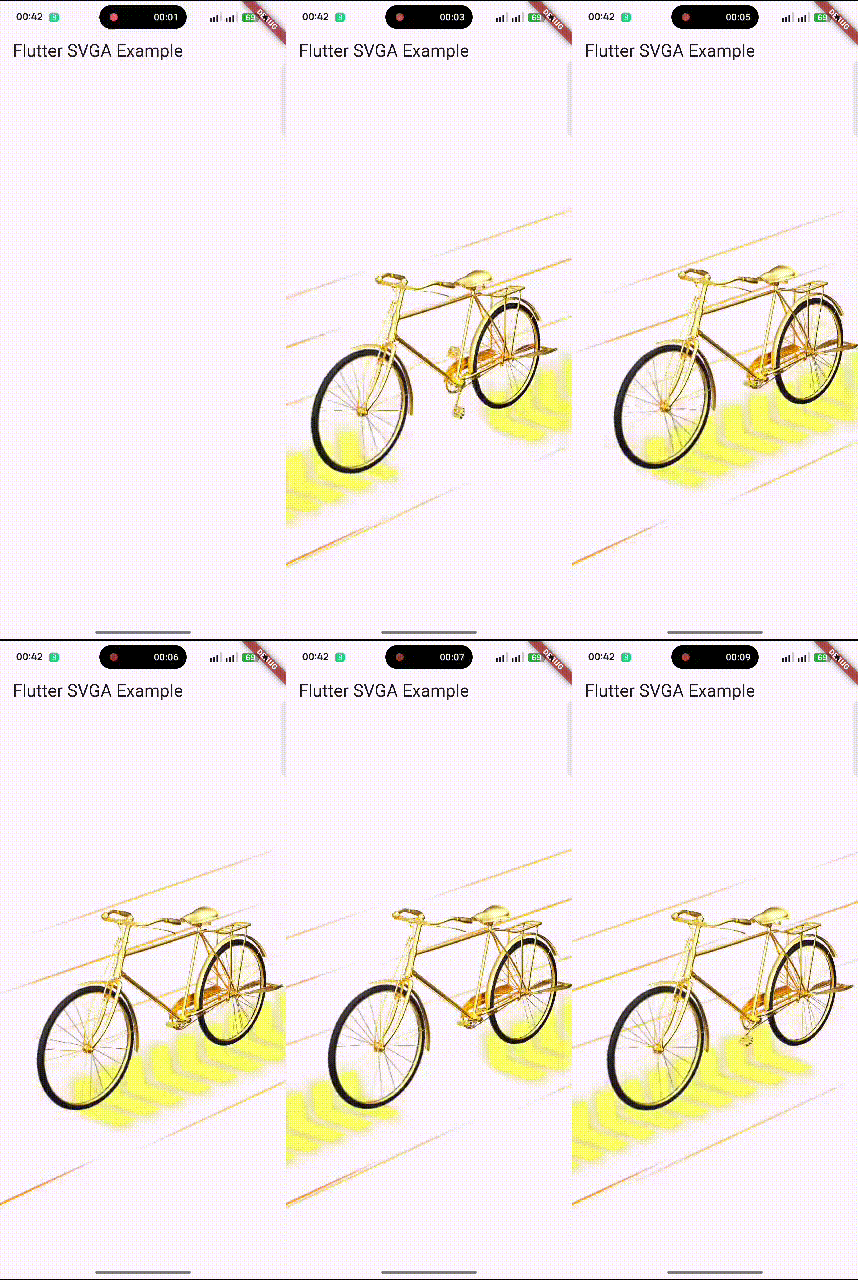
---
## 🎯 **Why flutter_svga?**
### ✅ **Actively Maintained**
Unlike **`svgaplayer_flutter`** (archived since Feb 2023), `flutter_svga` is **actively maintained** with regular updates, bug fixes, and community support.
### ⚡ **High Performance**
- **Intelligent caching system** reduces network usage and load times
- **Binary format** smaller than JSON-based Lottie files
- **Optimized rendering** for smooth 60 FPS animations
### 🎨 **Feature-Rich**
- **Audio playback** integrated directly in animations
- **Dynamic elements** (replace text, images, colors at runtime)
- **Full platform support** (Android, iOS, Web, macOS, Linux, Windows)
### 📦 **Comparison**
| Feature | flutter_svga | svgaplayer_flutter | Lottie |
|---------|--------------|-------------------|--------|
| **Status** | ✅ **Active** | ❌ Archived (Feb 2023) | ✅ Active |
| **Caching** | ✅ Built-in intelligent cache | ❌ No | ⚠️ Manual |
| **Audio Support** | ✅ Integrated | ❌ No | ✅ Yes |
| **File Size** | 🟢 Small (binary) | 🟢 Small (binary) | 🟡 Larger (JSON) |
| **Dynamic Elements** | ✅ Text, Images, Drawers | ⚠️ Limited | ✅ Yes |
| **Platform Support** | ✅ All 6 platforms | ⚠️ Mobile only | ✅ All platforms |
| **Performance** | ⚡ Optimized | ⚡ Good | ⚡ Good |
---
## 🔄 **Migrating from svgaplayer_flutter**
Switching from the archived `svgaplayer_flutter` is simple:
### 1. Update Dependencies
```yaml
dependencies:
# svgaplayer_flutter: ^2.2.0 # Remove old package
flutter_svga: ^0.0.13 # Add new package
```
### 2. Update Imports
```dart
// Old
// import 'package:svgaplayer_flutter/svgaplayer_flutter.dart';
// New
import 'package:flutter_svga/flutter_svga.dart';
```
### 3. API Usage (mostly compatible)
The API is similar, with some enhancements:
```dart
// Both packages use similar controller patterns
SVGAAnimationController controller = SVGAAnimationController(vsync: this);
// Loading remains the same
final videoItem = await SVGAParser.shared.decodeFromAssets("assets/animation.svga");
controller.videoItem = videoItem;
controller.repeat();
```
**🎉 Bonus**: You now get **automatic caching**, **audio support**, and **better performance** with zero code changes!
---
## 🚀 **Features**
✔️ Parse and render **SVGA animations** in Flutter.
✔️ Load SVGA files from **assets** and **network URLs**.
✔️ **Intelligent caching system** for faster loading and reduced network usage.
✔️ Supports **custom dynamic elements** (text, images, animations).
✔️ **Optimized playback performance** with animation controllers.
✔️ **Integrated audio playback** within SVGA animations.
✔️ Works on **Android & iOS** (Web & Desktop support coming soon).
✔️ Easy **loop, stop, and seek** functions.
---
## 📌 **Installation**
Add **flutter_svga** to your `pubspec.yaml`:
```yaml
dependencies:
flutter_svga: ^0.0.13
```
Then, install dependencies:
```sh
flutter pub get
```
---
## 🎬 **Basic Usage**
### ✅ **Playing an SVGA Animation from Assets**
```dart
import 'package:flutter/material.dart';
import 'package:flutter_svga/flutter_svga.dart';
void main() {
runApp(MyApp());
}
class MyApp extends StatelessWidget {
@override
Widget build(BuildContext context) {
return MaterialApp(
home: Scaffold(
appBar: AppBar(title: Text("Flutter SVGA Example")),
body: Center(
child: SVGAEasyPlayer(
assetsName: "assets/sample_with_audio.svga",
fit: BoxFit.contain,
),
),
),
);
}
}
```
---
## 🌍 **Playing SVGA from a Network URL**
```dart
SVGAEasyPlayer(
resUrl: "https://example.com/sample.svga",
fit: BoxFit.cover,
);
```
---
## 🎭 **Advanced Usage: Using SVGAAnimationController**
### ✅ **Controlling Animation Playback**
```dart
class MySVGAWidget extends StatefulWidget {
@override
_MySVGAWidgetState createState() => _MySVGAWidgetState();
}
class _MySVGAWidgetState extends State
with SingleTickerProviderStateMixin {
late SVGAAnimationController _controller;
@override
void initState() {
super.initState();
_controller = SVGAAnimationController(vsync: this);
SVGAParser.shared.decodeFromAssets("assets/sample.svga").then((video) {
_controller.videoItem = video;
_controller.repeat();
});
}
@override
void dispose() {
_controller.dispose();
super.dispose();
}
@override
Widget build(BuildContext context) {
return SVGAImage(_controller);
}
}
```
---
## 🎨 **Customization & Dynamic Elements**
### ✅ **Adding Dynamic Text**
```dart
controller.videoItem!.dynamicItem.setText(
TextPainter(
text: TextSpan(
text: "Hello SVGA!",
style: TextStyle(color: Colors.red, fontSize: 18),
),
textDirection: TextDirection.ltr,
),
"text_layer",
);
```
---
### ✅ **Replacing an Image Dynamically**
```dart
controller.videoItem!.dynamicItem.setImageWithUrl(
"https://example.com/new_image.png",
"image_layer",
);
```
---
### ✅ **Hiding a Layer**
```dart
controller.videoItem!.dynamicItem.setHidden(true, "layer_to_hide");
```
---
## 🗄️ **Caching (New!)**
**Automatic performance optimization with zero breaking changes:**
```dart
// Caching works automatically - no code changes needed!
final animation = await SVGAParser.shared.decodeFromURL(
"https://example.com/animation.svga"
);
// Optional: Configure cache settings
SVGACache.shared.setMaxCacheSize(50 * 1024 * 1024); // 50MB
SVGACache.shared.setMaxAge(const Duration(days: 3)); // 3 days
// Optional: Manage cache
await SVGACache.shared.clear(); // Clear all cache
final stats = await SVGACache.shared.getStats(); // Get cache info
```
**📋 See [CACHE.md](CACHE.md) for complete caching documentation and examples.**
---
## 🎯 **Playback Controls**
```dart
controller.forward(); // Play once
controller.repeat(); // Loop playback
controller.stop(); // Stop animation
controller.value = 0; // Reset to first frame
```
---
## 🔊 **Audio Volume Control**
```dart
// Set volume (0.0 to 1.0)
controller.volume = 0.5;
// Mute audio (preserves volume setting)
controller.muted = true;
// Unmute audio
controller.muted = false;
```
---
## 🛠 **Common Issues & Solutions**
### ❌ **Black Screen when Loading SVGA**
✅ **Solution:** Ensure your `svga` files are correctly placed inside `assets/` and registered in `pubspec.yaml`.
```yaml
flutter:
assets:
- assets/sample.svga
```
---
### ❌ **SVGA Not Loading from Network**
✅ **Solution:** Ensure the SVGA file is accessible via HTTPS. Test the URL in a browser.
```dart
SVGAEasyPlayer(
resUrl: "https://example.com/sample.svga",
fit: BoxFit.cover,
);
```
---
### ❌ **Animation Freezes or Doesn't Play**
✅ **Solution:** Use `setState` after loading SVGA to rebuild the widget.
```dart
setState(() {
_controller.videoItem = video;
});
```
---
## 📱 **Supported Platforms**
| Platform | Supported | Audio Support |
|----------|-----------|---------------|
| ✅ Android | ✔️ Yes | ✔️ Yes |
| ✅ iOS | ✔️ Yes | ✔️ Yes |
| ✅ Linux | ✔️ Yes | ✔️ Yes |
| ✅ Web | ✔️ Yes | ❌ No |
| ✅ macOS | ✔️ Yes | ✔️ Yes |
| ✅ Desktop | ✔️ Yes | ✔️ Yes |
---
## 🔄 **Changelog**
See the latest changes in [`CHANGELOG.md`](CHANGELOG.md).
---
## 📜 **License**
This package is licensed under the **MIT License**. See [`LICENSE`](LICENSE) for details.
---
## 🤝 **Contributing**
- If you find a **bug**, report it [here](https://github.com/5alafawyyy/flutter_svga/issues).
- Pull requests are welcome! See [`CONTRIBUTING.md`](CONTRIBUTING.md) for guidelines.
---
## 👨💻 **Authors & Contributors**
### 🏗 **Core Author**
- **[5alafawyyy](https://github.com/5alafawyyy)** — Lead Developer, Maintainer, and Flutter Integration Engineer.
### 🤝 **Contributors**
Special thanks to the amazing contributors who improved **flutter_svga**:
| Contributor | Contribution | GitHub |
|--------------|--------------|--------|
| **[wonderkidshihab](https://github.com/wonderkidshihab)** | Fixed repeated music playback bug (#3) | 🧩 |
| **[Sansuihe](https://github.com/Sansuihe)** | Identified and proposed MD5-based fix for audio cache collision (#6) | 🎵 |
| **[tungpham6195](https://github.com/tungpham6195)** | Reported protobuf dependency compatibility issue (#7) | 📦 |
> Want to contribute? Read [CONTRIBUTING.md](CONTRIBUTING.md) and submit your PR — we’d love your help!
---
🚀 **Enjoy using SVGA animations in your Flutter app!** 🚀